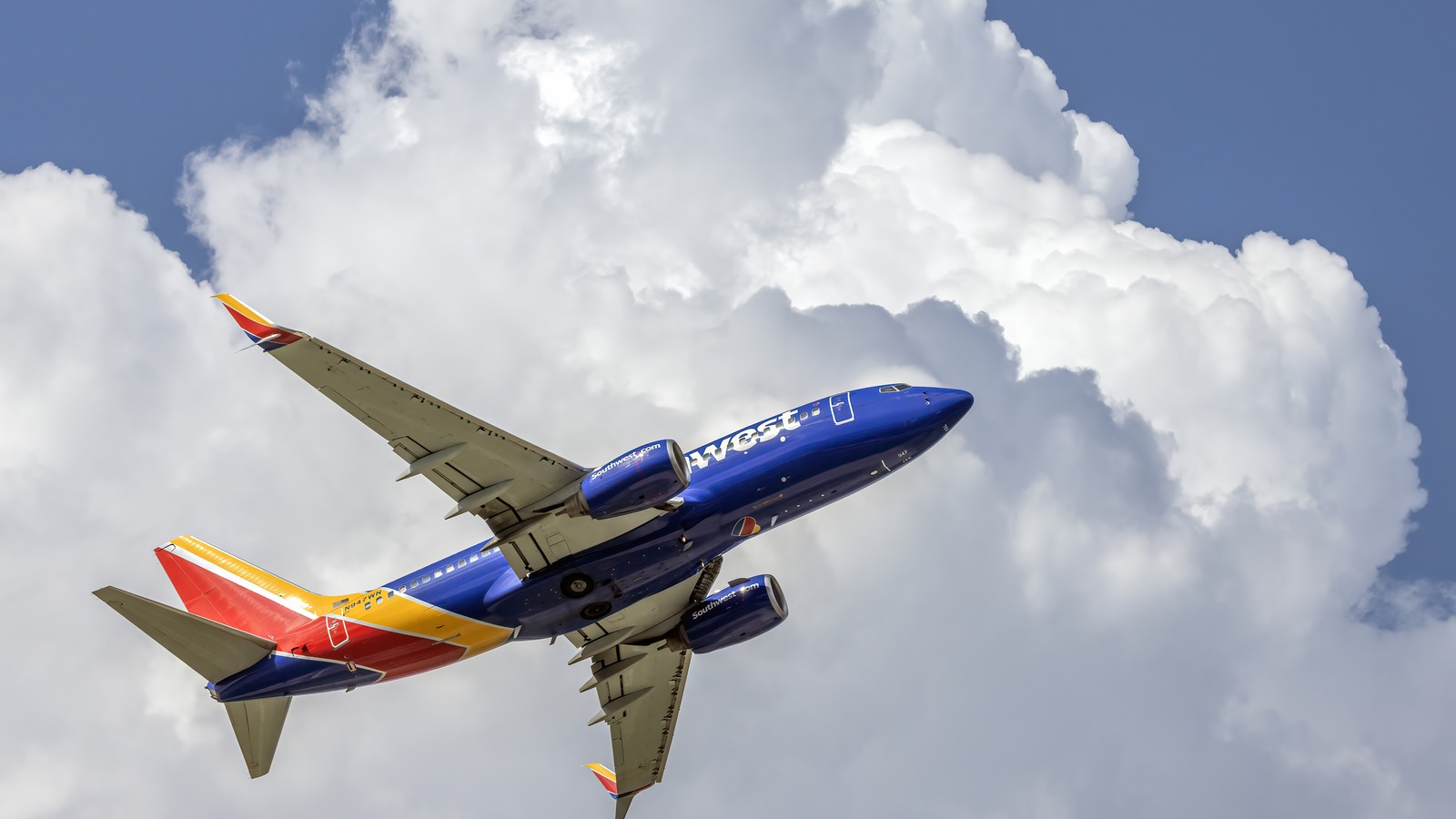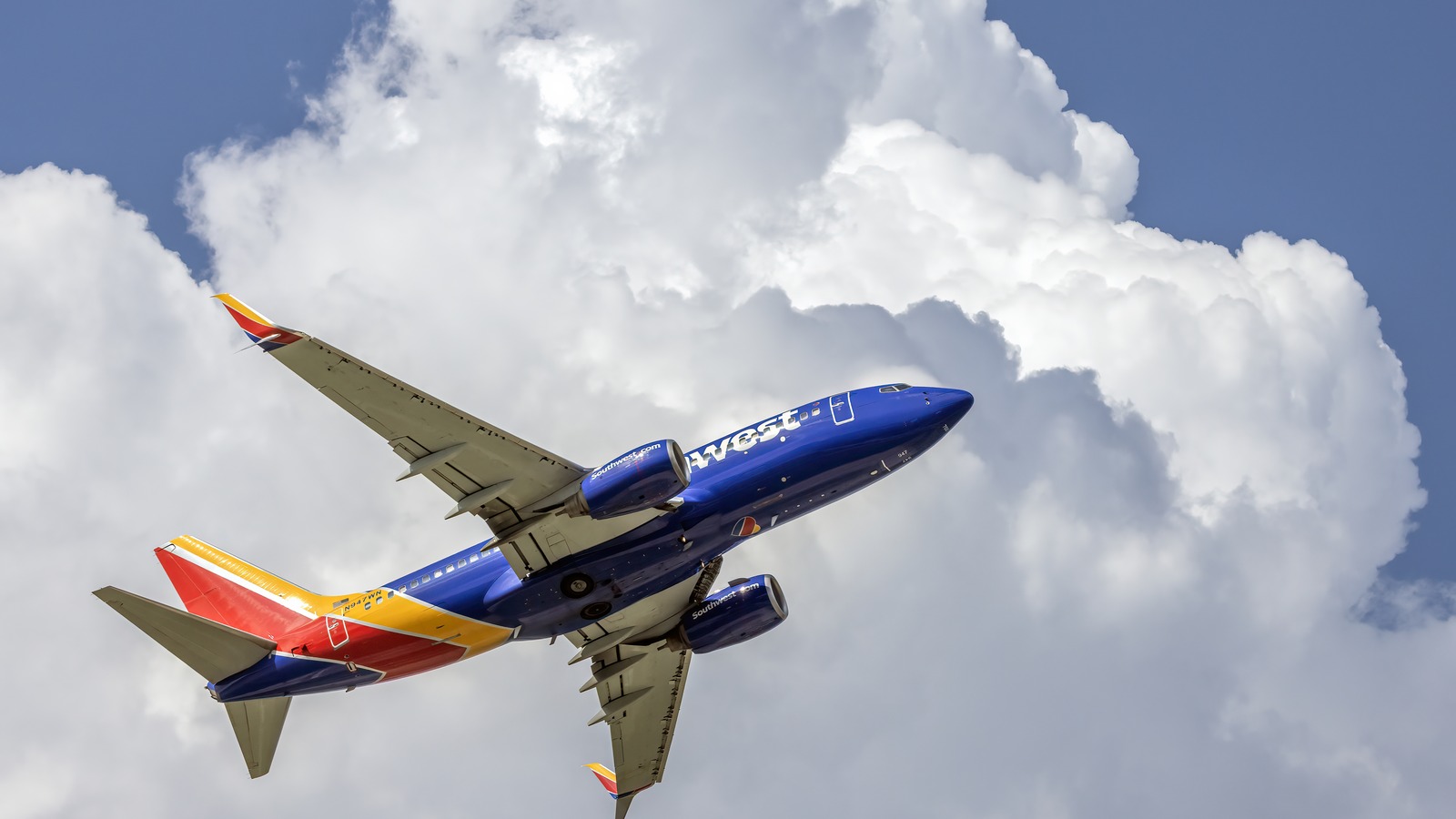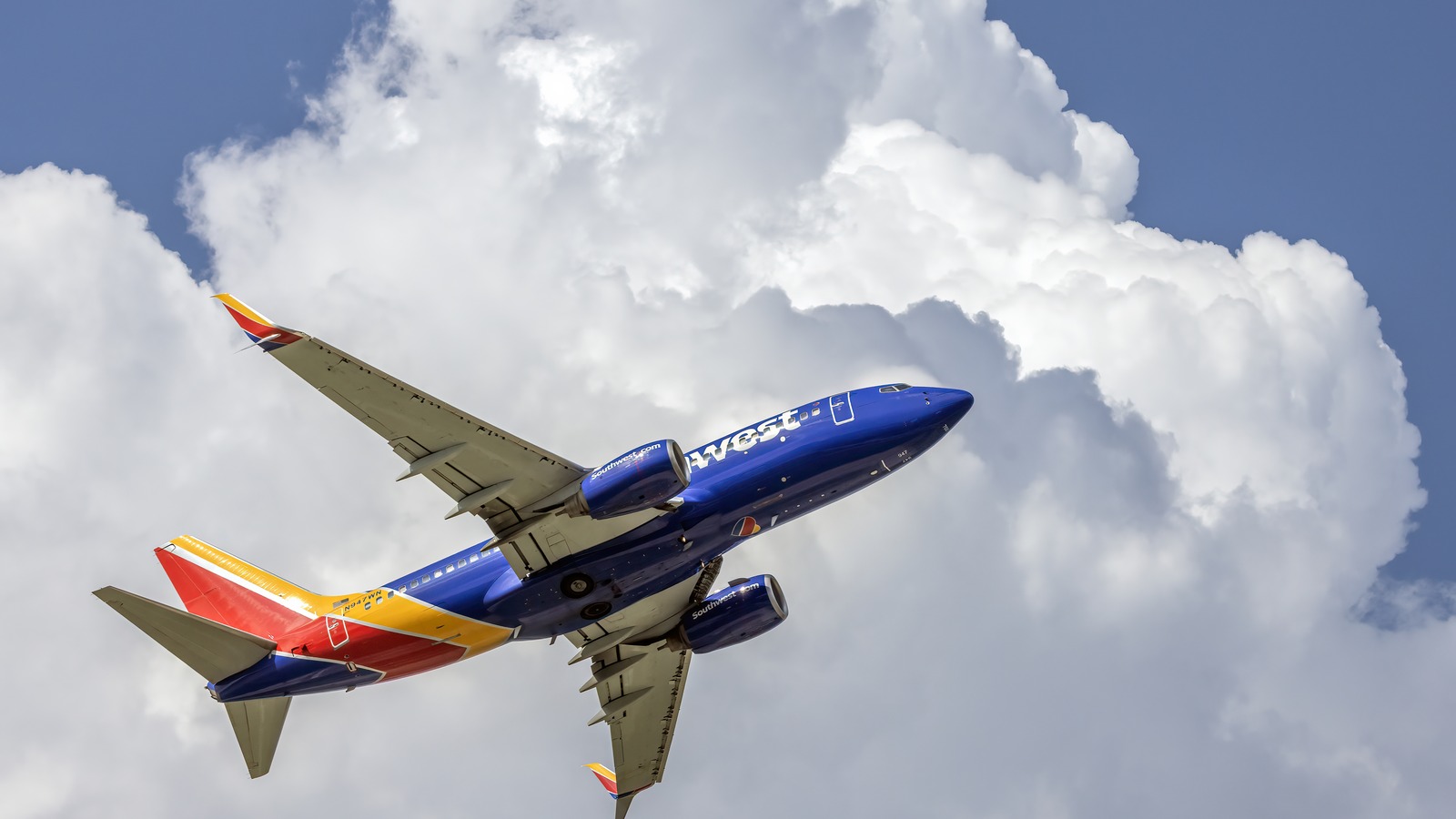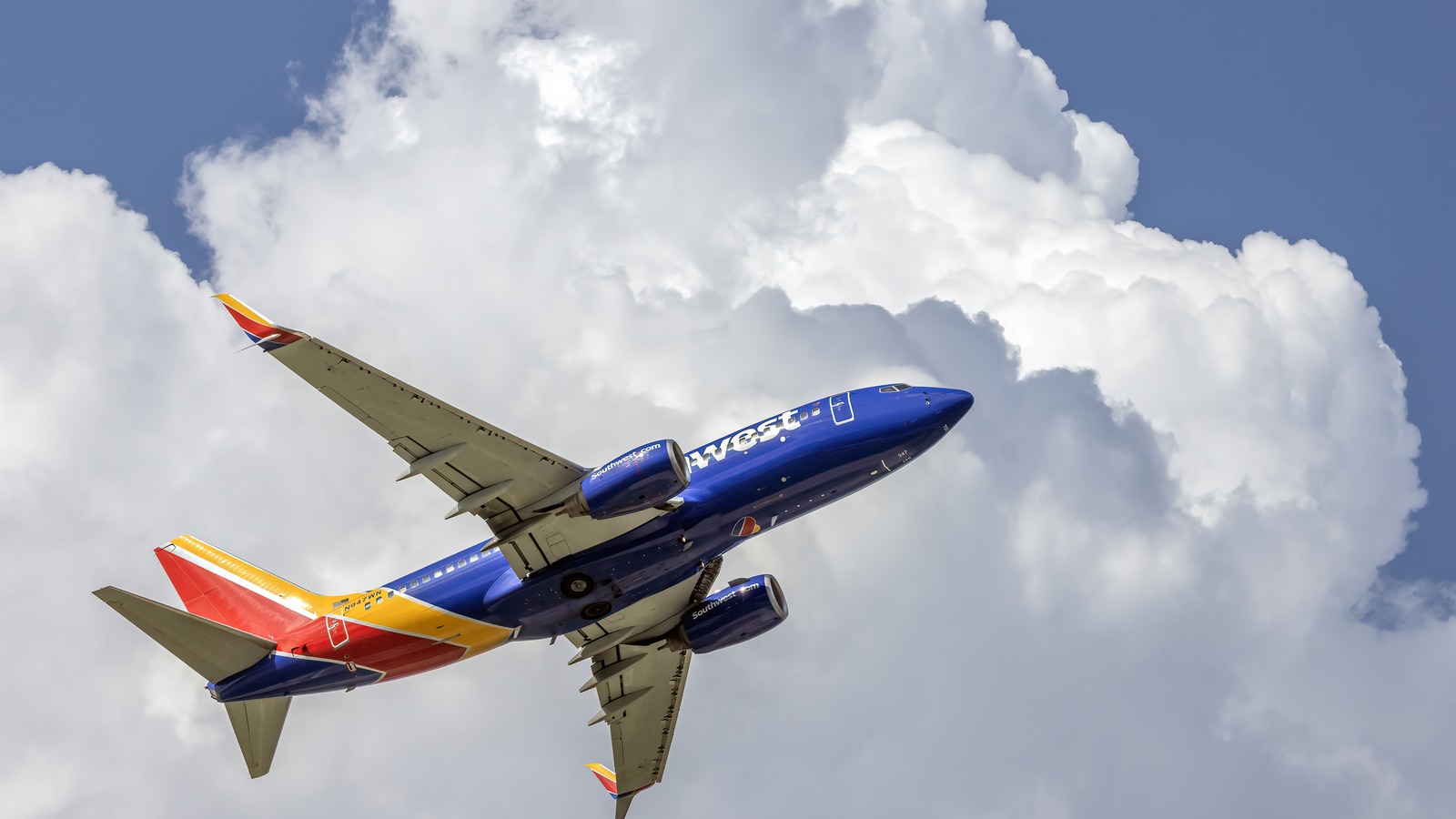
Southwest Airlines manually checked bags and boarded passengers across the United States on Friday, October 9, 2026, after a vendor computer outage stopped normal check-in and boarding shortly after 8:00 AM ET. Southwest Airlines confirmed to the New York Post that a brief interruption at its vendor Amadeus forced the old style manual process while technicians restored service by 10:15 AM ET.
If you fly Southwest Airlines on October 9 or October 10, check your flight status before you leave for the airport and plan for longer lines at check-in and the gate. The airline kept moving passengers by hand while systems were down, and FlightAware data cited by Simple Flying showed more than 1,500 delayed Southwest flights by 5:00 PM ET. For background on how the airline handles schedule changes, see the airline travel guide.
- Date: Outage ran from shortly after 8:00 AM ET to 10:15 AM ET on October 9, 2026.
- Airline: Southwest Airlines network wide, with manual baggage check and boarding.
- Cause: Southwest Airlines attributes the stop to a system outage at vendor Amadeus.
- Impact: More than 900 delays and 43 cancellations by restoration, rising to more than 1,500 delays by 5:00 PM ET.
- Action: Verify flight status, arrive early, and ask an airport agent for a printed boarding pass if the app fails.
Manual Boarding Returns at Dallas and Denver on Oct 9
Travelers first noticed trouble in the Southwest Airlines mobile app, where boarding passes would not load, according to reporting by Simple Flying on October 9. Airport employees could not use normal computerized steps for passenger processing, so agents checked bags and boarded flights by hand while technicians worked on the failure.
At Dallas Love Field, passengers reported no boarding pass printing and no mobile boarding pass scanning, with lines stretching out of the airport doors. At Denver International Airport, a passenger account cited by the Denver Gazette said gate staff announced that Southwest Airlines aircraft on the ground nationwide were being held during the worst of the stop.
Southwest Points to Amadeus as Systems Return by 10:15 AM
Southwest Airlines rapidly identified technology provider Amadeus as the source of the interruption, Simple Flying reported. Amadeus has played a central role in Southwest Airlines operations since the carrier introduced its Altea Passenger Service System for international flights in 2014 and extended it to domestic operations in 2017.
The system supports reservations, flight inventory, passenger check-in, boarding, baggage check-in, and automated rebooking during disruptions. Amadeus attributed the October 9 incident to an unidentified third party technology provider and apologized to Southwest Airlines passengers for inconvenience on Friday morning. Southwest Airlines confirmed that systems were back online at 10:15 AM ET, about two hours after the first issues appeared.
1500 Delays Show Why Oct 9 Travelers Should Recheck Flights
Even a short morning outage produced a long tail of late departures across the Southwest Airlines network on October 9. Simple Flying reported that more than 900 Southwest Airlines flights had been delayed and 43 canceled by the time service returned at 10:15 AM ET. Later FlightAware data from 5:00 PM ET showed more than 1,500 delayed flights, or about one third of Southwest Airlines flights to that point in the day.
The New York Post reported huge lines at airports served by Southwest Airlines and cited outage tracking site Downdetector for passengers unable to check in during the failure. Customers also reported issues using the Southwest Airlines app as the disruption affected travel plans on a busy Friday morning period. If your flight connects through Dallas, Denver, Chicago, Phoenix, or Las Vegas, confirm each leg separately because a late inbound aircraft can move your departure even after the vendor fix.
| If you… | What to do |
|---|---|
| Fly Southwest Airlines on October 9 evening | Check flight status in the app and on the airport board before leaving, then arrive early for manual lines. |
| Cannot load a mobile boarding pass | Go to a Southwest Airlines agent for a printed pass and keep photo ID ready. |
| Have a connection on October 9 or October 10 | Confirm both legs, allow extra time, and ask about rebooking if the first leg runs late. |
| Checked a bag on October 9 | Keep the paper claim tag from manual processing and verify the tag destination before leaving the counter. |
What Southwest History Tells Oct 9 Passengers
Friday disruption follows earlier Southwest Airlines technology failures described by Simple Flying in its October 9 history summary. In July 2016, a network router malfunction plus backup system failure caused a widespread outage that led to more than 2,300 canceled flights over four days, with employees processing passengers manually in a pattern similar to Friday events.
Further problems followed in June 2021, when separate weather data and network connectivity failures disrupted operations on consecutive days, with the second incident producing about 500 cancellations and more than 1,300 delays. The carrier also suffered the December 2022 operational meltdown that resulted in nearly 17,000 flight cancellations. The history does not change your October 9 plan, but it explains why agents shifted quickly to paper steps.
October 9 evening is the first gate. Recheck your flight before heading to the airport and build in extra time for check-in, bag drop, and boarding.
October 10 morning is the second gate. Residual aircraft and crew displacement can delay early flights, so verify the inbound aircraft status and keep notifications on.
Manual paperwork is the third gate. Save printed passes, paper bag tags, and rebooking slips until travel ends in case a record needs correction.
How to Get Rebooked After a Southwest Systems Delay
Start with the official flight status page for your confirmation number, then speak with a Southwest Airlines airport agent if the app still shows stale information. The New York Post account of the October 9 outage notes that Southwest Airlines continued checking baggage and boarding manually while full function returned, with safety as the stated priority.
Ask the agent to confirm your seat, bag routing, and connection protection in one conversation, and request written confirmation of any schedule change. If you paid for baggage online or could not pay because of the outage, keep receipts and check the final charge after travel. Simple Flying noted that some travelers could not pay for baggage online during the stop, so reconcile those fees before you leave the airport when possible.
Is Southwest Airlines still delayed after the October 9 outage?
Systems returned at 10:15 AM ET on October 9, but more than 1,500 flights were delayed by 5:00 PM ET, so check your specific flight status before leaving.
Why did Southwest Airlines board passengers manually on October 9?
Southwest Airlines says a system outage at vendor Amadeus stopped normal check-in and boarding steps, so agents processed bags and passengers by hand until the fix.
What should I do if my Southwest app boarding pass will not load?
Visit a Southwest Airlines airport agent for a printed boarding pass, arrive early for longer lines, and keep photo ID ready at the counter and gate.
Will my October 10 Southwest flight be affected?
It can be, because late aircraft and crews on October 9 can shift October 10 departures, so verify each leg and allow extra connection time.
Image Credits
- Lead Photo
Acroterion · CC BY-SA 4.0 · cropped