Oklahomans with Android phones can now add their driver license or state ID to Google Wallet, Service Oklahoma announced on October 7. The state says the digital ID works at participating TSA checkpoints at Tulsa International Airport and OKC Will Rogers International Airport, and at more than 250 airports nationwide. 9to5Google first reported the rollout on October 5.
The digital ID is optional, and the state says you should still carry your physical card. Our guide to TSA PreCheck validity covers the other credential checks to sort out before a flight.
- What: Oklahoma driver license or state ID in Google Wallet.
- Available: Since October 7, 2026, for eligible Android users.
- Phone needs: Android 8 or later, a screen lock, Bluetooth on.
- Airports: Participating TSA checkpoints, including TUL and OKC.
- Keep: Your physical card; the digital ID does not replace it.
How to Add Your ID
Service Oklahoma lists three steps. Open the Google Wallet app, or download it from Google Play. Tap Add to Wallet, then IDs and personal info. Select Oklahoma and verify your identity using your physical license or ID.
Verification involves photos of the front and back of your card and a short video of your face, which goes to the state for review, 9to5Google reported. Review usually takes a few minutes, and you get a notification when the ID is ready plus an email from the state. Your phone needs Android 8 or later, a screen lock, and Bluetooth and Nearby devices turned on.
The ID is stored encrypted on your device and can only be opened with your own authentication, the state says. 9to5Google reported that it is not synced to the cloud and works on one device at a time, so you will need to add it again if you switch phones.
Using It at the Airport
At a participating checkpoint, you tap your phone on the reader or scan a code, then review what is being requested and approve it with your fingerprint, face, PIN or password, according to 9to5Google. Service Oklahoma names Tulsa International and OKC Will Rogers International as participating checkpoints in the state.
Acceptance can vary by airport, terminal and checkpoint lane, and TSA’s public list of participating digital ID states did not yet show Oklahoma when we checked on October 10. That is a practical reason to follow the state’s advice and keep your physical license or REAL ID with you every time you fly.
Oklahoma IDs have been available in Apple Wallet since September 2, the state said in an earlier announcement, which also listed Stillwater Regional and Lawton-Fort Sill Regional among participating airports. For more on where digital IDs work, see our report on the TSA digital ID expansion.
Beyond the Airport
Businesses can verify a digital ID with the state’s free Oklahoma Reader app, which checks only what is needed, such as whether someone is 21 or older, without storing customer information, Service Oklahoma says. The Oklahoma ABLE Commission allows businesses to accept a digital ID for age and identity checks when it is verified electronically with a compliant reader. A bartender looking at your phone screen is not the same thing, so carry your card for those situations too.
“Digital ID becomes more valuable when more Oklahomans can access it and more places are equipped to accept it,” said Diedra O’Neil, Service Oklahoma’s chief executive of strategy and operations.
Who Should Set It Up
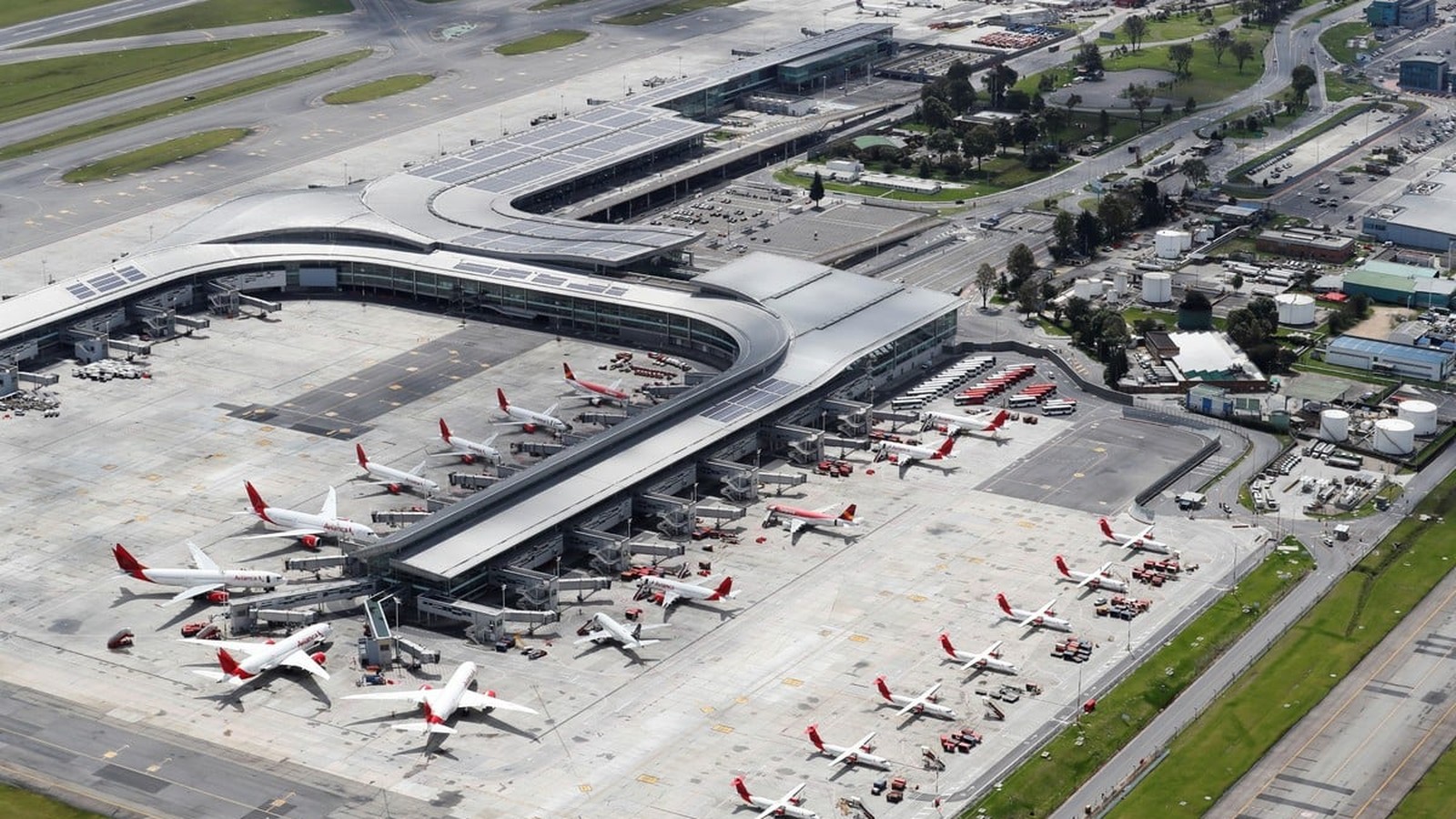
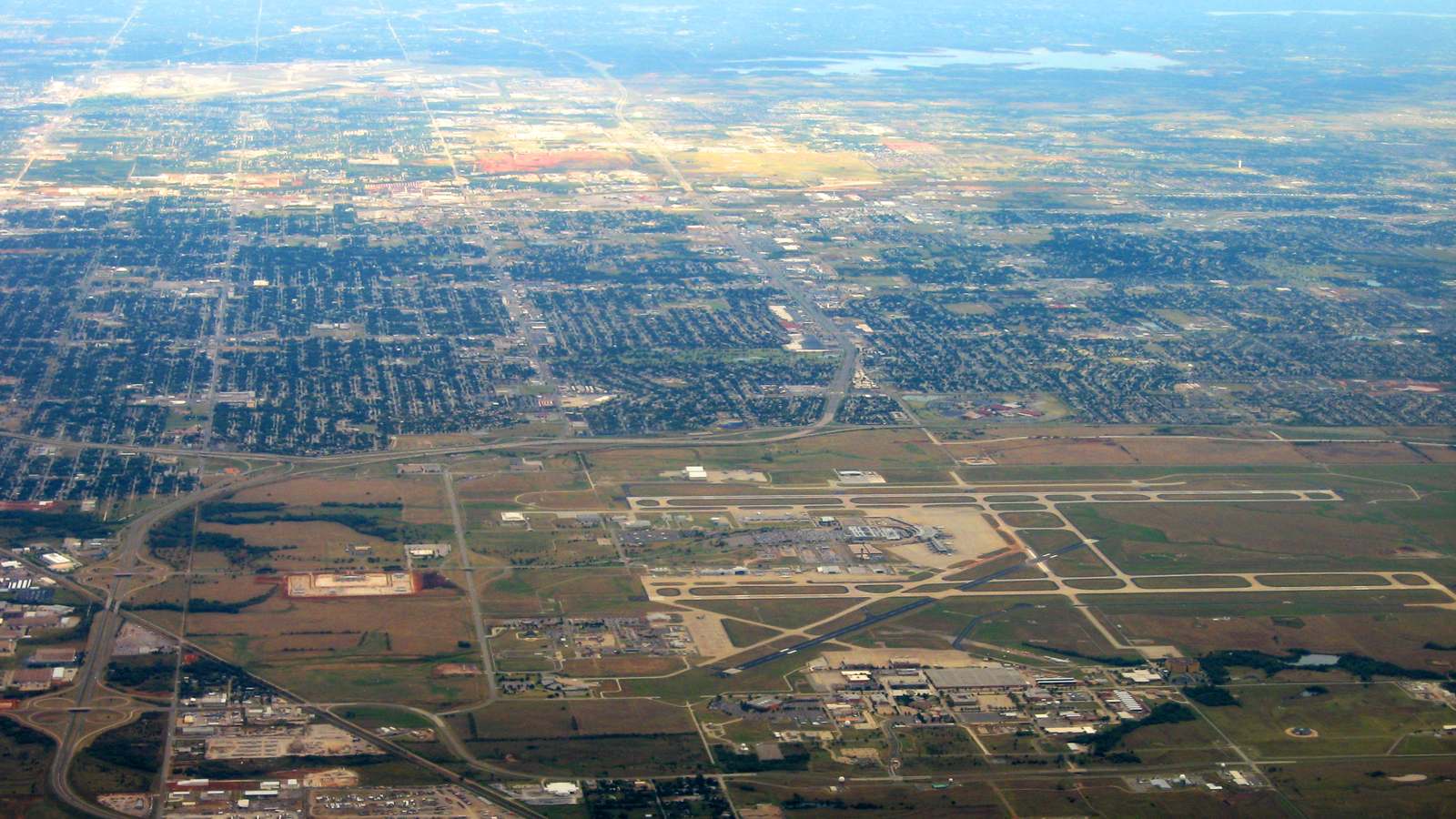
If you fly from Tulsa or Oklahoma City and use an Android phone, adding the ID is free and takes a few minutes, so it is worth doing before your next trip. It can speed up the identity check at participating lanes. Just make sure your phone is charged, and keep the physical card in your wallet in case a lane does not accept the digital version. The photo at the top of this story shows Will Rogers airport in Oklahoma City from the air in 2015.
| If you… | What to do |
|---|---|
| Use Android and fly from TUL or OKC | Add your ID in Google Wallet before your trip. |
| Use an iPhone | Add it to Apple Wallet instead. |
| Fly from another airport | Check whether its checkpoints accept digital ID. |
| Switch phones | Add the ID again on the new device. |
| Are going anywhere ID is required | Carry your physical card too. |
October 7 launch date in Google Wallet.
250+ airports accepting the ID, per the state.
Free to add and use.
Can I add my Oklahoma license to Google Wallet?
Yes. Eligible Android users can add it as of October 7, 2026.
Does TSA accept it?
The state says it works at participating checkpoints, including Tulsa and OKC Will Rogers.
Do I still need my physical license?
Yes. The state says to keep carrying your physical card.
What phone do I need?
Android 8 or later with a screen lock and Bluetooth on.
Is it available on iPhone?
Yes, in Apple Wallet since September 2, 2026.
Image Credits
- Lead Photo
RobertKixmiller · CC BY-SA 4.0 · edited